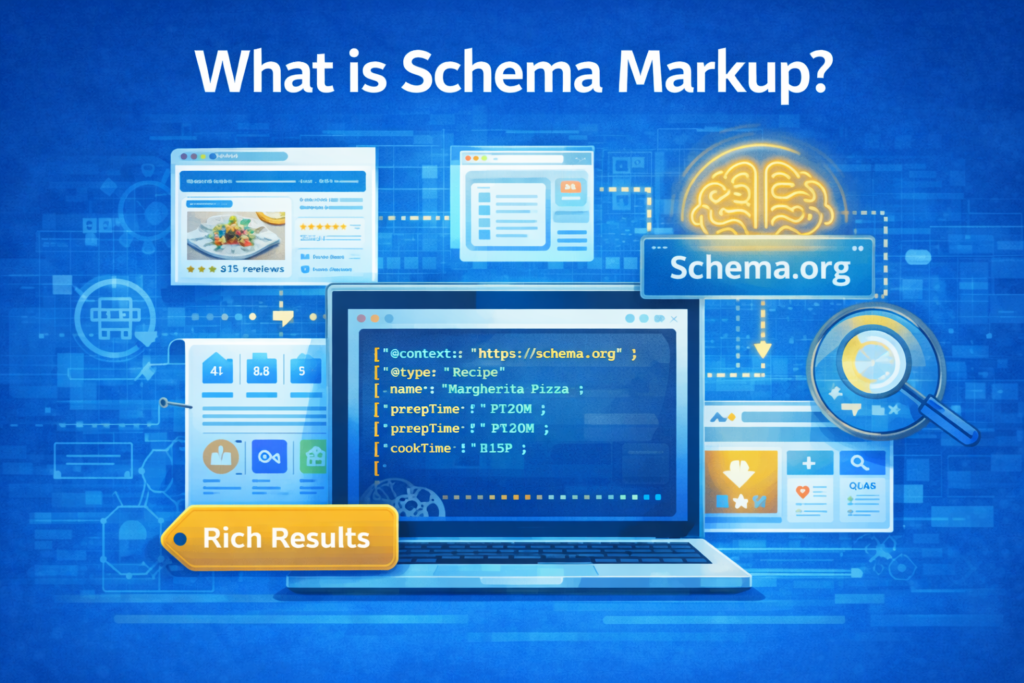
If you’ve ever wondered why some Google search results show star ratings, recipe cards, event dates, or expandable FAQs — while others show nothing but a plain blue link — schema markup is the answer. It’s one of the most consistently underused technical SEO levers available to businesses in Dubai and globally, and one of the highest-ROI to implement correctly.
This guide covers everything: what schema is, how it works, which format to use, how to write it, and how to avoid the silent mistakes that kill your eligibility for rich results.
What Is Schema Markup?
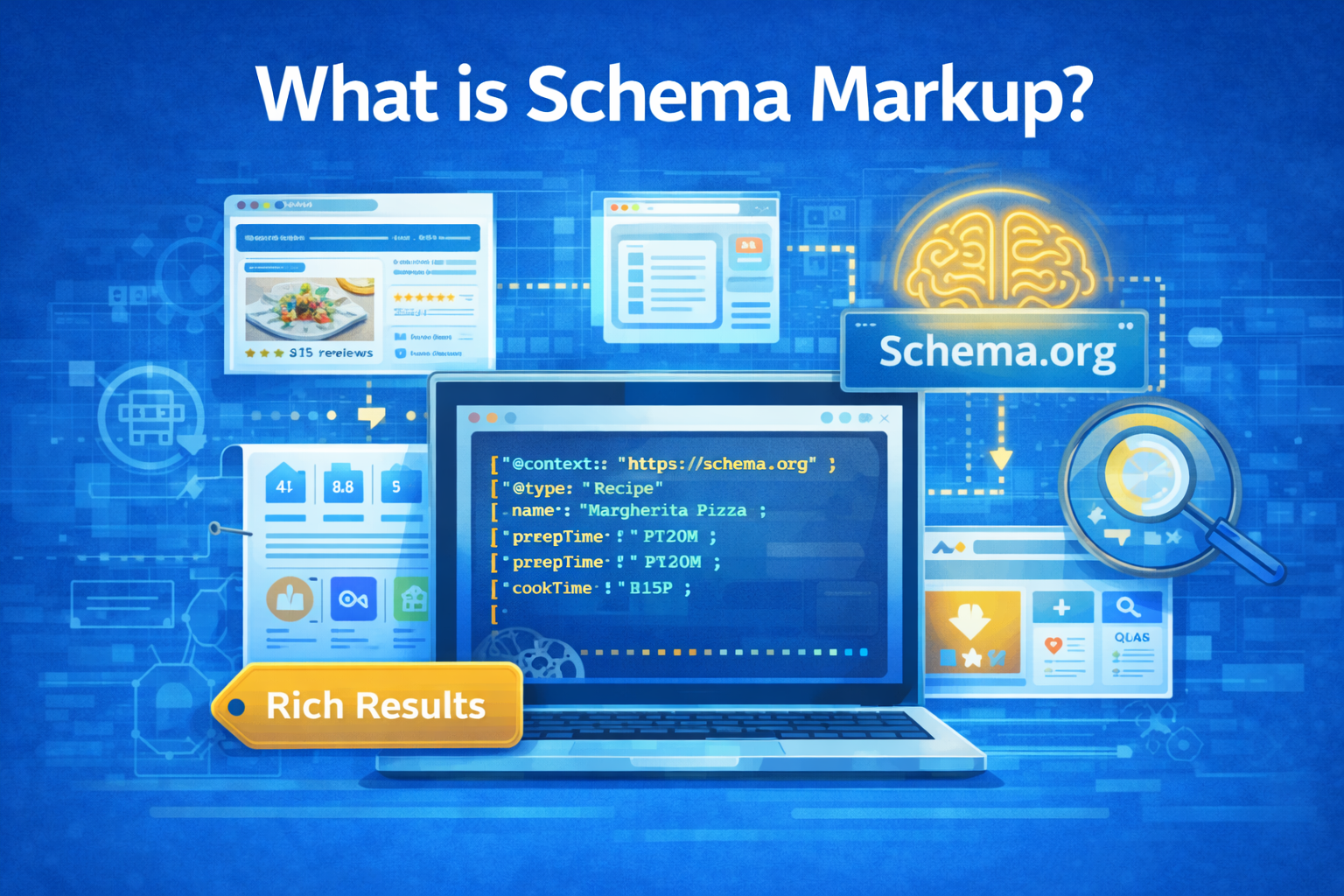
Schema markup is a standardised vocabulary of tags added to your website’s HTML that helps search engines understand the meaning of your content — not just the words. It is based on the Schema.org vocabulary, a shared project launched in 2011 through a partnership between Google, Microsoft (Bing), Yahoo, and Yandex.
Think of your webpage as a book. Without schema, a search engine can read every word — but cannot reliably determine whether “Avatar” refers to a blockbuster film, a profile picture, or a video game character. Schema markup resolves that ambiguity by wrapping content with machine-readable labels that leave no room for guesswork.
Standard HTML tells browsers how to display content. Schema markup tells search engines what that content means. One is for humans, the other is for machines. Both are necessary.
HTML vs Schema: A Direct Comparison
Consider a recipe page. Here’s what raw HTML communicates to a search engine versus what the same page communicates with schema added:
<h1>Margherita Pizza</h1>
<p>Prep time: 20 minutes | Cook time: 15 minutes</p>
<p>Rating: 4.8 out of 5 (312 reviews)</p>

// What Google sees: some text. Probably a recipe. Maybe.
<script type="application/ld+json">
{
  "@context": "https://schema.org",
  "@type": "Recipe",
  "name": "Margherita Pizza",
  "prepTime": "PT20M",
  "cookTime": "PT15M",
  "aggregateRating": {
    "@type": "AggregateRating",
    "ratingValue": "4.8",
    "reviewCount": "312"
  }
}
</script>

// What Google sees: a Recipe entity with verified prep time,
// cook time, and aggregate rating — eligible for rich results.
The second version defines a Recipe entity with structured, verifiable properties. That’s the difference between a standard blue link and a rich result with star ratings and cook times displayed directly in Google Search.
Does Schema Improve SEO Rankings?
Schema markup is not a direct ranking factor. Google has confirmed this repeatedly. Implementing schema will not push you from position 5 to position 1. But dismissing schema because of this is one of the most common strategic mistakes in SEO.
Rich Results = Higher Click-Through Rates
Schema is your eligibility pass for rich results — the enhanced SERP listings with star ratings, FAQ dropdowns, pricing, video thumbnails, event dates, and more. Studies consistently show rich results outperform standard listings on CTR:
- Recipe rich results can improve CTR by 20–30% compared to plain blue links
- Product listings with structured ratings earn significantly more clicks than those without
- FAQ rich results expand your visual footprint in SERPs, pushing competitors lower
- Article markup with images improves prominence in Google Discover and Top Stories
Entity-Based SEO and the Knowledge Graph
Google is increasingly moving from keyword-matching to entity understanding. When you use the sameAs property to link your entities to Wikipedia, Wikidata, or Google’s Knowledge Graph, you eliminate ambiguity and build explicit machine-readable connections between your content and the broader web of knowledge.
If your page mentions “Dubai Marina,” using sameAs to link to its Wikidata entry removes any ambiguity. Schema App’s research found this kind of entity disambiguation improves performance on location-based queries and increases rankings for non-branded search terms — exactly the queries businesses in Dubai need to own.
AI Search Readiness
With the rise of Google AI Overviews, ChatGPT Search, and Perplexity, structured data has become more valuable than ever. These systems use structured, machine-readable signals to identify authoritative sources. Schema markup is a direct investment in your site’s discoverability across all current and emerging search platforms.
🔍What Content Types Does Schema Support?
Schema.org defines hundreds of types. The following are fully supported by Google Search and can earn specific rich result features in SERPs:
| Schema Type | Rich Result Feature | Best For |
|---|---|---|
| Product | Price, availability, ratings, shipping | E-commerce |
| Recipe | Cook time, calories, star ratings, steps | Food & lifestyle |
| Article / NewsArticle | Top Stories, byline, publish date | Publishers, blogs |
| LocalBusiness | Business panel, hours, directions | Local SEO in Dubai |
| Event | Date, venue, ticket info in SERPs | Event organisers |
| FAQPage | Expandable Q&A directly in results | Content & service pages |
| HowTo | Step-by-step guide with images | Tutorial content |
| VideoObject | Video carousel, duration, thumbnail | Video content |
| JobPosting | Job enrichments in Google Jobs | Recruiters, job boards |
| AggregateRating | Star ratings in organic results | Review-heavy sites |
| BreadcrumbList | Site hierarchy in result URL | All multi-page sites |
| SoftwareApplication | App ratings, OS, pricing | SaaS & apps |
Even if a schema type isn’t currently supported by Google, implement it anyway. Google’s supported types list grows continuously — being early means you benefit automatically when support is added.
The Three Schema Encoding Formats
Schema markup can be encoded in three different formats. Understanding the differences is essential for choosing the right approach for your CMS and tech stack.
| Format | How It Works | Complexity | Best Use Case | |
|---|---|---|---|---|
| JSON-LD | Separate <script> block in <head> |
Preferred | Low | Most sites — default choice |
| Microdata | Inline attributes within HTML elements | Supported | High | Legacy CMS / dynamic content |
| RDFa | Inline attributes, similar to Microdata | Supported | High | Academic / semantic web contexts |
JSON-LD: Google’s Recommended Format
JSON-LD (JavaScript Object Notation for Linked Data) works by placing a structured data <script> block inside your page’s <head> — completely separate from your visible HTML. This separation is the key advantage: you can add, update, or remove schema without touching your page’s design or content at all.
Example: Local Business Schema
{
  "@context": "https://schema.org",
  "@type": "LocalBusiness",
  "name": "TechHaven",
  "description": "Premium networking hardware in Dubai.",
  "address": {
    "@type": "PostalAddress",
    "streetAddress": "459 Humpback Road",
    "addressLocality": "Rialto",
    "addressRegion": "CA",
    "postalCode": "92376",
    "addressCountry": "US"
  },
  "telephone": "+1-909-574-3903",
  "url": "https://www.techhaven.com",
  "priceRange": "$$",
  "openingHoursSpecification": [
    {
      "@type": "OpeningHoursSpecification",
      "dayOfWeek": ["Monday","Tuesday","Wednesday",
                       "Thursday","Friday","Saturday"],
      "opens": "08:00",
      "closes": "22:30"
    },
    {
      "@type": "OpeningHoursSpecification",
      "dayOfWeek": "Sunday",
      "opens": "14:00",
      "closes": "20:00"
    }
  ]
}
The @graph Structure: Building a Knowledge Graph
JSON-LD’s most powerful feature is the @graph structure, which lets you connect multiple schema types using @id references — exactly like a knowledge graph. This tells search engines not just what each entity is, but how they relate to each other.
<script type="application/ld+json">
{
  "@context": "https://schema.org",
  "@graph": [
    {
      "@id": "https://www.example.com/#website",
      "@type": "WebSite",
      "name": "Example Website",
      "url": "https://www.example.com",
      "publisher": { "@id": "https://www.example.com/#organization" }
    },
    {
      "@id": "https://www.example.com/#organization",
      "@type": "Organization",
      "name": "Example Company",
      "logo": "https://www.example.com/logo.png"
    },
    {
      "@id": "https://www.example.com/blog/post/#article",
      "@type": "Article",
      "headline": "The Complete Guide to Schema Markup",
      "datePublished": "2025-01-15T09:00:00+00:00",
      "author": { "@id": "https://www.example.com/authors/jane/#author" },
      "publisher": { "@id": "https://www.example.com/#organization" },
      "isPartOf": { "@id": "https://www.example.com/#website" }
    },
    {
      "@id": "https://www.example.com/authors/jane/#author",
      "@type": "Person",
      "name": "Jane Smith",
      "sameAs": [
        "https://twitter.com/janesmith",
        "https://linkedin.com/in/janesmith"
      ]
    }
  ]
}
</script>
You might think: if I add Organisation, Article, and Person schemas on the same page, won’t Google connect them automatically? The answer is no. Search engines cannot make these connections unless you explicitly link entities using @id references. The @graph approach is the correct, future-proof way to communicate entity relationships.
Microdata Format
Microdata embeds schema directly into your HTML by adding attributes — itemscope, itemtype, itemprop — to existing elements. It was widely used before JSON-LD became the standard.
The core disadvantage: every piece of data you want to mark up must exist as visible content in your page. This makes Microdata verbose, harder to maintain, and tightly coupled to your HTML structure.
<div itemscope
     itemtype="https://schema.org/Person"
     itemid="https://www.example.com/#author">

  <h2 itemprop="name">John Doe</h2>
  <a itemprop="url" href="https://www.example.com/authors/john">
    View Profile
  </a>
  <a itemprop="sameAs" href="https://twitter.com/johndoe">Twitter</a>
</div>
When to use Microdata: When your CMS cannot inject JSON-LD into the page head, or when marking up live or dynamically generated content where duplicating data in JSON-LD would inflate page size and hurt Core Web Vitals.
RDFa Format
RDFa (Resource Description Framework in Attributes) is an HTML5 extension that works similarly to Microdata but uses different attribute names: typeof, property, and resource instead of itemscope, itemprop, and itemid.
<div vocab="https://schema.org/"
     typeof="Person"
     resource="https://www.example.com/#author">

  <h2 property="name">John Doe</h2>
  <a property="url" href="https://www.example.com/authors/john">
    View Profile
  </a>
  <a property="sameAs" href="https://twitter.com/johndoe">Twitter</a>
</div>
Attribute Equivalency Reference
| Concept | JSON-LD | Microdata | RDFa |
|---|---|---|---|
| Define entity type | @type |
itemtype |
typeof |
| Assign entity ID | @id |
itemid |
resource |
| Define a property | propertyName |
itemprop |
property |
| Set entity name | "name": "..." |
itemprop="name" |
property="name" |
| Link vocabulary | @context |
itemtype URL | vocab |
For most websites, choose JSON-LD. Use Microdata only when your infrastructure genuinely prevents it. RDFa is best reserved for semantic web and academic contexts.
Mixing JSON-LD and Microdata
For pages with live blogs, user-generated content, or CMS-generated output, duplicating all content inside a JSON-LD block would inflate page size and damage Core Web Vitals (LCP and FCP). The solution: mix formats by matching @id in JSON-LD to itemid in Microdata.
Step 1 — Mark Up the HTML with Microdata
<div itemscope
     itemtype="https://schema.org/LiveBlogPosting"
     itemid="https://www.example.com/live-blog/#live-blog">

  <h1 itemprop="name">Live Coverage: Developer Day 2025</h1>
  <meta itemprop="coverageStartTime"
        content="2025-05-06T17:00:00+00:00" />

  <div itemprop="liveBlogUpdate" itemscope
       itemtype="https://schema.org/BlogPosting">
    <div itemprop="datePublished"
         content="2025-05-06T18:45:00+00:00">6:45 PM</div>
    <div itemprop="articleBody">
      AI agents can now browse the web autonomously.
    </div>
  </div>
</div>
Step 2 — Link from JSON-LD via Matching @id
{
  "@context": "https://schema.org",
  "@graph": [
    {
      "@id": "https://www.example.com/live-blog/#newsarticle",
      "@type": "NewsArticle",
      "headline": "Live Coverage: Developer Day 2025",
      "publisher": { "@id": "https://www.example.com/#organization" }
    },
    {
      /* @id matches the Microdata itemid exactly */
      "@id": "https://www.example.com/live-blog/#live-blog",
      "isPartOf": {
        "@id": "https://www.example.com/live-blog/#newsarticle"
      }
    }
  ]
}
The @id in JSON-LD must exactly match the itemid in the Microdata HTML. This is how Google understands both blocks describe the same entity — giving you rich structured data without duplicating content or inflating page weight.
How to Implement Schema: Step-by-Step
Step 1 — Audit Your Content
Before writing a line of schema, identify which pages on your site are eligible for rich results. Prioritise pages with high traffic potential and clear entity types: product pages, service pages with FAQs, blog posts, recipes, local business pages, and event listings.
Step 2 — Choose Your Schema Types
Visit Schema.org and Google’s Rich Results documentation to confirm which properties are required versus recommended. Missing required properties means no rich result — even with otherwise valid markup.
Step 3 — Write Your JSON-LD
- Write it manually using Schema.org documentation as reference
- Use Google’s Structured Data Markup Helper to generate a starting point
- Use an AI assistant to draft it, then validate before deploying
- Use a CMS plugin (Yoast SEO, RankMath, Schema Pro) if your platform supports it
Step 4 — Add It to Your Page
<!DOCTYPE html>
<html lang="en">
<head>
  <meta charset="UTF-8">
  <title>Your Page Title</title>

  <!-- Place JSON-LD here, before </head> -->
  <script type="application/ld+json">
  {
    "@context": "https://schema.org",
    "@type": "Article",
    "headline": "Your Article Headline"
  }
  </script>
</head>
<body>
  <!-- Your page content -->
</body>
</html>
Step 5 — Validate Before Deploying
- Google’s Rich Results Test — confirms eligibility for specific rich result types
- Schema Markup Validator — checks Schema.org compliance
- Google Search Console — monitors rich result performance at scale post-deployment
Step 6 — Monitor and Iterate
After deployment, check the Enhancements section in Google Search Console. Watch for Errors (fix immediately — these prevent rich results), Warnings (improve over time), and Valid items (your confirmed rich result eligibilities). Schema breaks when templates or CMS plugins update — review it regularly.
Advanced Techniques
Entity Disambiguation with sameAs
The sameAs property is one of the most powerful and most underused features in schema. It links your entities to their authoritative representations on external databases, removing ambiguity for both search engines and AI systems.
{
  "@type": "Organization",
  "name": "Digital Aura",
  "sameAs": [
    "https://en.wikipedia.org/wiki/Your_Company",
    "https://www.wikidata.org/wiki/QXXXXXXX",
    "https://www.facebook.com/digitalauramarketing",
    "https://www.linkedin.com/company/digital-aura-marketing"
  ]
}
BreadcrumbList Schema
BreadcrumbList is one of the easiest schemas to implement and delivers consistent visual benefit — displaying your site’s navigation hierarchy in search result URLs. It applies to virtually every multi-page website.
{
  "@context": "https://schema.org",
  "@type": "BreadcrumbList",
  "itemListElement": [
    {
      "@type": "ListItem",
      "position": 1,
      "name": "Home",
      "item": "https://digitalauramarketing.ae"
    },
    {
      "@type": "ListItem",
      "position": 2,
      "name": "Blog",
      "item": "https://digitalauramarketing.ae/blog"
    },
    {
      "@type": "ListItem",
      "position": 3,
      "name": "Schema Markup Guide",
      "item": "https://digitalauramarketing.ae/blog/schema-markup-guide"
    }
  ]
}
FAQPage Schema for SERP Domination
FAQPage schema expands your SERP listing with expandable Q&A sections visible directly in search results — dramatically increasing your page’s visual real estate, especially on mobile. For service pages and content hubs, this is one of the highest-ROI schema types available.
{
  "@context": "https://schema.org",
  "@type": "FAQPage",
  "mainEntity": [
    {
      "@type": "Question",
      "name": "Does schema markup improve search rankings?",
      "acceptedAnswer": {
        "@type": "Answer",
        "text": "Not directly. Schema makes pages eligible for
rich results which significantly improve CTR and
overall search visibility."
      }
    },
    {
      "@type": "Question",
      "name": "What is the best format for schema markup?",
      "acceptedAnswer": {
        "@type": "Answer",
        "text": "Google recommends JSON-LD. It is placed as a
script block in the page head, separate from your
visible HTML, making it easy to maintain."
      }
    }
  ]
}
Common Mistakes to Avoid
❌ Marking Up Hidden Content
Schema must describe content visible to users. Marking up information that doesn’t appear on the page violates Google’s guidelines and can trigger manual actions.
❌ Missing Required Properties
Every schema type has required fields. A Recipe without a name or a Product without a description will not earn rich results — regardless of how well the rest is written.
❌ Not Linking Entities with @id
Dropping unlinked schema blocks and assuming Google connects them is a common error. Always use @id to explicitly link related entities.
❌ Using Deprecated Types
Old formats like data-vocabulary.org schemas are no longer supported. Always use schema.org URLs and verify current support in Google’s documentation.
❌ Validate Once, Never Monitor
Schema breaks when CMS plugins update or templates change. Review your Enhancements report in Google Search Console every month.
❌ Inflating Page Size
Duplicating large blocks of dynamic content inside JSON-LD hurts Core Web Vitals. Use the mixed JSON-LD and Microdata approach for these content types.
Key Takeaways
Schema is Required for Rich Results
There is no alternative path to star ratings, FAQ dropdowns, or recipe cards in Google Search. Structured data is not optional if you want these features.
JSON-LD is the Right Choice
Unless your tech stack prevents it, implement all structured data in JSON-LD. It’s easier to write, maintain, and debug — and it’s Google’s explicit recommendation.
Build a Knowledge Graph
Don’t drop isolated schema blocks. Connect your organisation, authors, pages, and articles using @id references to create an explicit, machine-readable entity graph.
Entity Linking is the Future
The sameAs property connects your content to the broader web of knowledge. As search becomes more AI-driven, entity disambiguation becomes increasingly valuable.
Validate, Deploy, Monitor
Schema implementation is not set-and-forget. Validate before deployment, monitor in Search Console after, and audit periodically for issues.
AI Search Readiness
Google AI Overviews and ChatGPT Search use structured signals to surface authoritative content. Schema markup is a direct investment in tomorrow’s search landscape.
Want Schema Implemented the Right Way?
At Digital Aura, our Dubai-based SEO team handles technical structured data as part of every campaign — from schema audits to full implementation and ongoing Search Console monitoring.